
AUTOMATED CUSTOMER DESK
How can we help?
Tell us what you have in mind. We can answer a question, take a decorating enquiry or help you request a call.
VORL BOOST / CUSTOMER DESK
Questions, enquiries and appointment requests—all in your own branding.
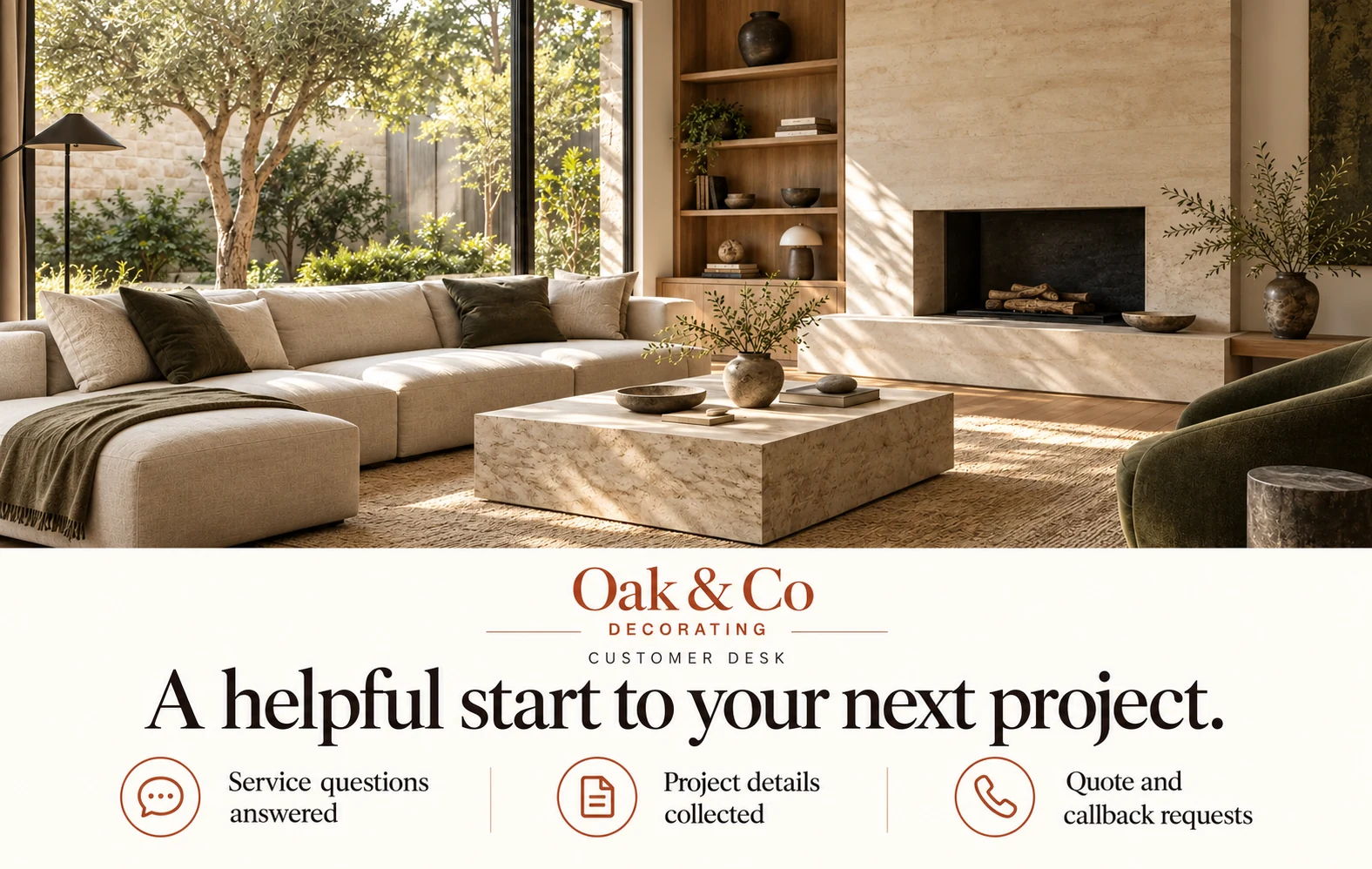
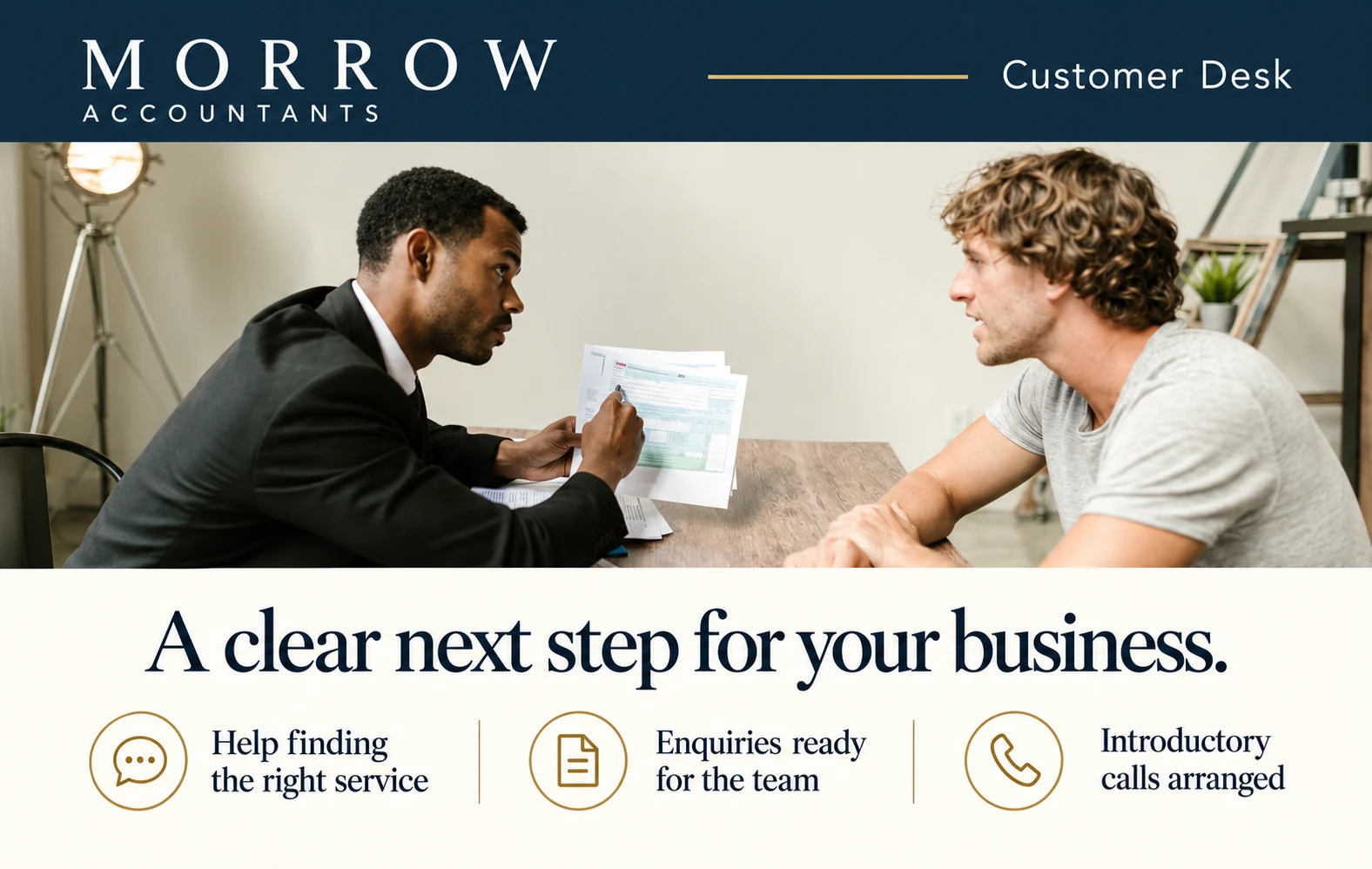
Fictional businesses. Images illustrate the service.
 Optional WhatsApp connection
Give customers answers from your business information.
Collect what they need and how to reach them, ready for your team.
Take appointment and callback requests in one place.
Share your desk on your website, in emails or on social media.
No card needed. Start with your website, then sign in to prepare your private draft.
One link for customers. One place for your team.
Try the example below. Fictional business and enquiry. Nothing is sent or booked.
Tell us what you have in mind. We can answer a question, take a decorating enquiry or help you request a call.
 Customer DeskInbox 0
Send an example request to see what reaches your team.
We prepare a draft from your public pages.
Check your information, branding and booking rules.
Check an enquiry and delivery, then add your website button.
Add your website. Sign in with your business email, then check your logo, colours, desk style and information in a private draft.

VORL BOOST / CUSTOMER DESK
£149 / month
Proposed pilot price. No VAT charged.
Optional assisted setup £395.
Branded web desk, enquiry inbox and booking workflow.
Connections, usage and support agreed before activation.
Pricing is a proposal. No purchase or subscription starts here.
BEFORE YOU START
No. Keep the website you have. Add a Customer Desk button, or share your branded link in an email, a WhatsApp message or your social profile. Customers need no account.
Setup looks for public business information, services, contact details and common answers. You check the draft and fill any gaps. It will not invent opening hours or use a public email address as your private alert inbox without your approval.
It can capture appointment requests without a connected calendar. Confirmed bookings need a compatible, connected calendar and reviewed service rules. We test availability, notifications and any meeting links before enabling that workflow.
Yes. Agree the questions your desk can answer and when a person needs to help. Your team gets the enquiry and its context in the private workspace. Your desk does not promise an immediate human reply unless you have arranged one.
You can share the web link in WhatsApp today. Native WhatsApp messaging requires a separate approved connection. Phone answering is a planned service, not part of the current web pilot. Outlook and Teams connections also need an individual readiness review.
The private preview needs no card. Before any payment, we agree the complete setup and monthly price, included usage, support and cancellation terms. Self-service purchasing is not open yet. An enquiry or preview does not start a subscription.
Prefer a conversation first?